The Big Video Course:
Cinematic editing ✂️

Fine cut


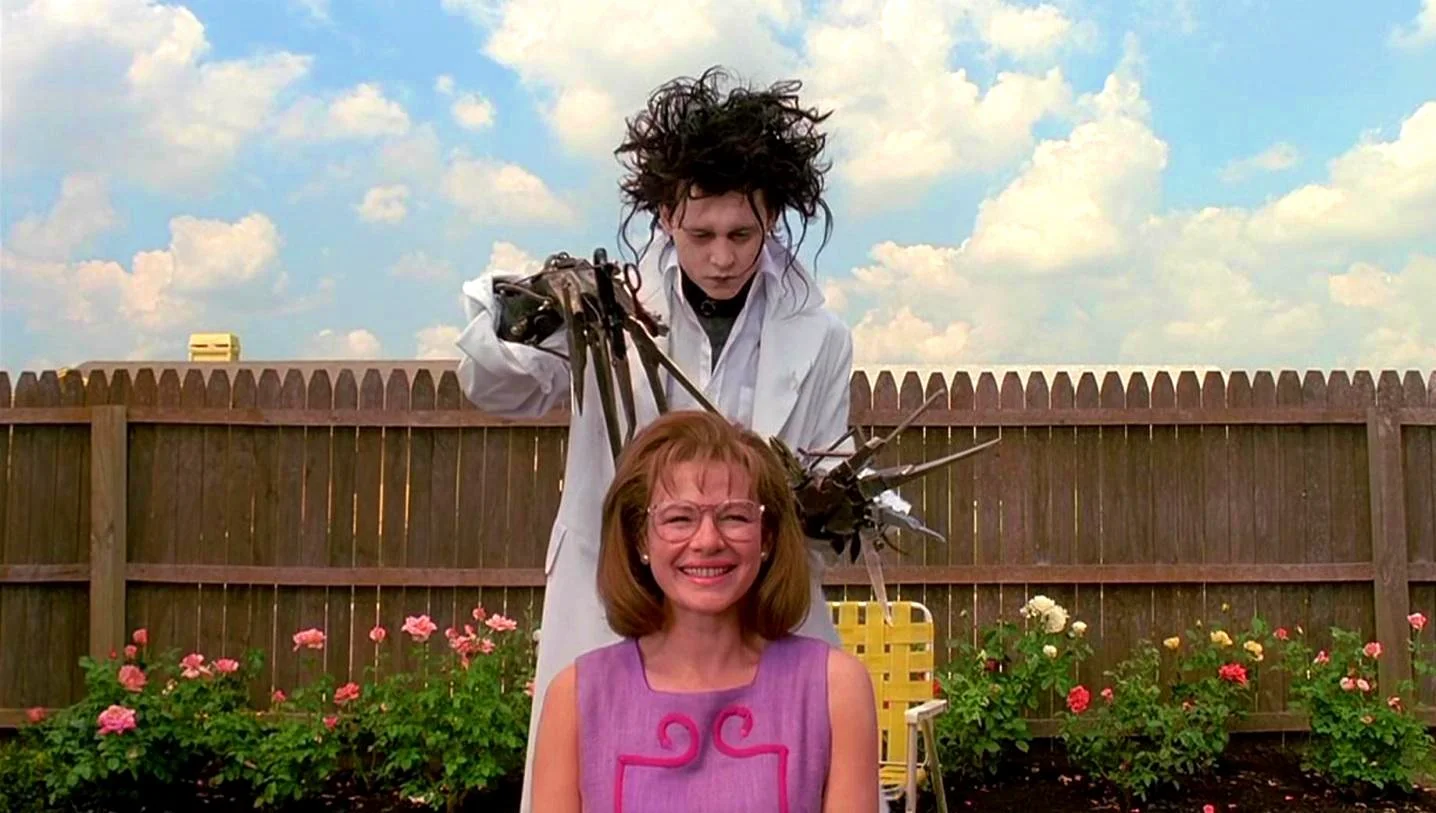
From the movie Edward Scissorhands


In this lesson

This lesson you'll master must-know tools in Premiere as you refine your edit and add the finishing touches. 🎨️


Part 01

Audio essentials

Learn to add music, work with sound and cut to the beat.


Bookmarks

Lesson overview

00:00 → What you'll learn

Archiving work

01:08 → Duplicating sequences

Audio concepts

01:41 → Unlinking audio
02:42 → Adding music
03:45 → Locking tracks
05:00 → Audio waveforms
06:55 → Markers Review
11:37 → Practice tasks


Part 02

Must-know tools

You can't edit fast in Premiere without knowing these essential timeline tools.


Bookmarks

Must-knows

01:27 → Track select tools
02:10 → Ripple edit tool
04:07 → Paste inserting
04:49 → Rolling edit tool
05:06 → Duplicating clips
05:18 → Replacing footage

Review

06:30 → Practice tasks


Part 03

Extra tricks + final touches

Before we reveal our final picnic sequence, I'll show you how to add images, adjust volume, and use a few advanced tools.


Bookmarks

Final touches

00:44 → Slip tool
02:26 → Rate stretch tool
06:17 → Slide tool
06:56 → Adding images
07:27 → Adjusting volume
08:28 → Pen tool Video debut
09:41 → Our final picnic sequence

Assignment

10:44 → Your mission


Assignment

Art by Laurène Boglio via Giphy

Your mission this lesson is to polish up a fine cut and make any final tweaks to your edit, because next up you'll export your video. 🚀️


Resources
 

Credit

Music in part by David Cutter at @dcuttermusic and davidcuttermusic.com.


Keep learning