The Big Video Course:
Storytelling editing ✂️
Cutting A-roll
In this lesson

Get ready to learn some advanced editing techniques as you prep the A-roll (or speaking footage) for your storytelling video.
Video index
➀ Track hacks
➁ Syncing
➂ Working quickly
➃ Labels & markers
➄ Multi-camera edits
Part 01
Track hacks
Learn essential skills for managing tracks that'll save you so many headaches down the road.
Part 02
Syncing
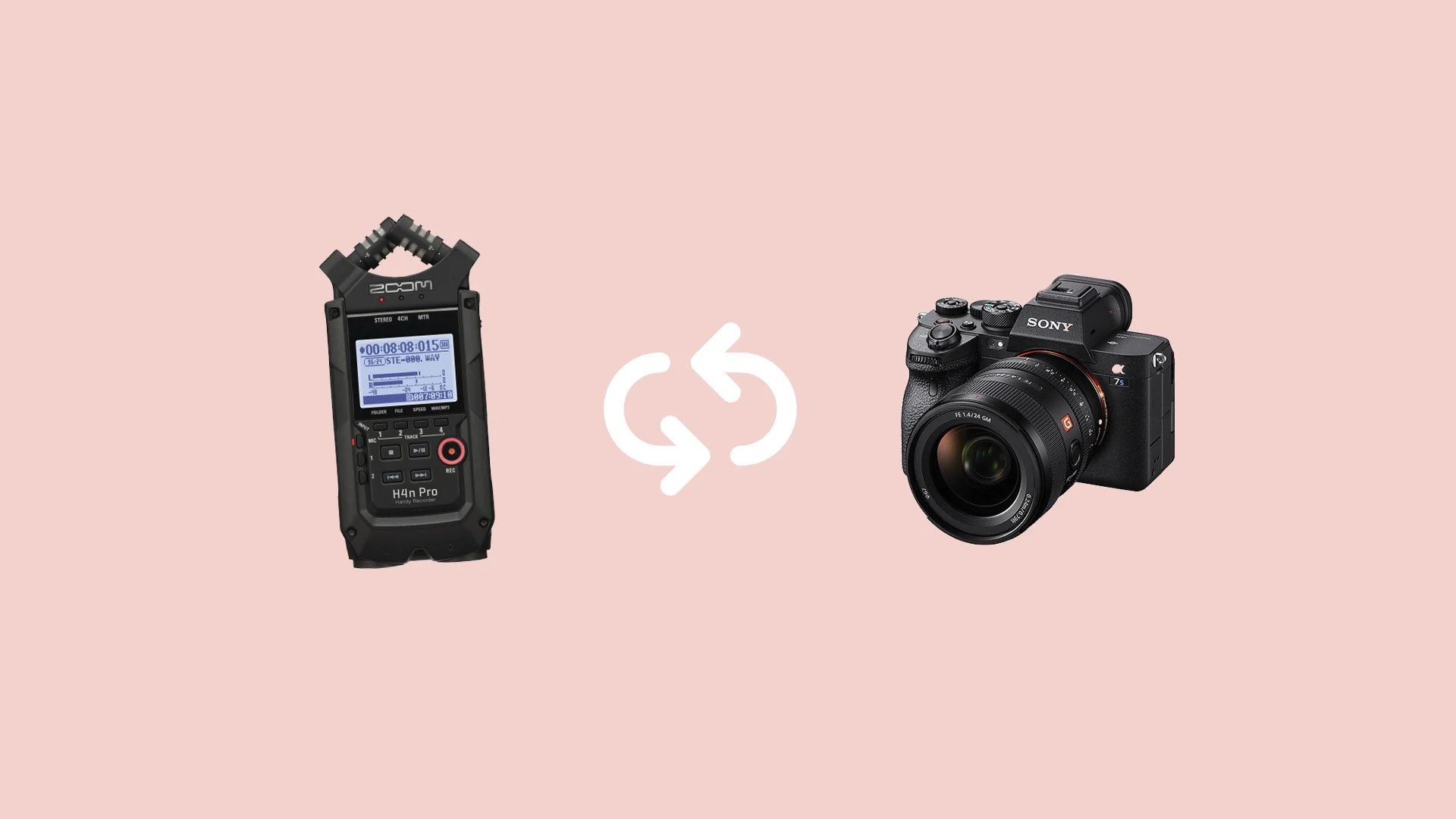
Easily synchronize audio and video recorded on different devices.
Part 03
Working quickly
See how I edit A-roll in just a fraction of the time it took to record it.
Thumbnail art by Nastia Kobza and mbshop.club via Giphy
Part 04
Labels & markers
Keep complex timelines under control with these organization tips.
Part 05
Multi-camera edits
Quickly cut between different camera angles with Premiere Pro's powerful multicam features.
Assignment
What to do
Create a story edit from your A-roll footage.
Be brutally selective, only including clips that serve your story's flow.
Resources

Credit
Music in part by David Cutter at @dcuttermusic and davidcuttermusic.com.