The Big Video Course:
Toolbox 🧰
Completion calendar
About this resource
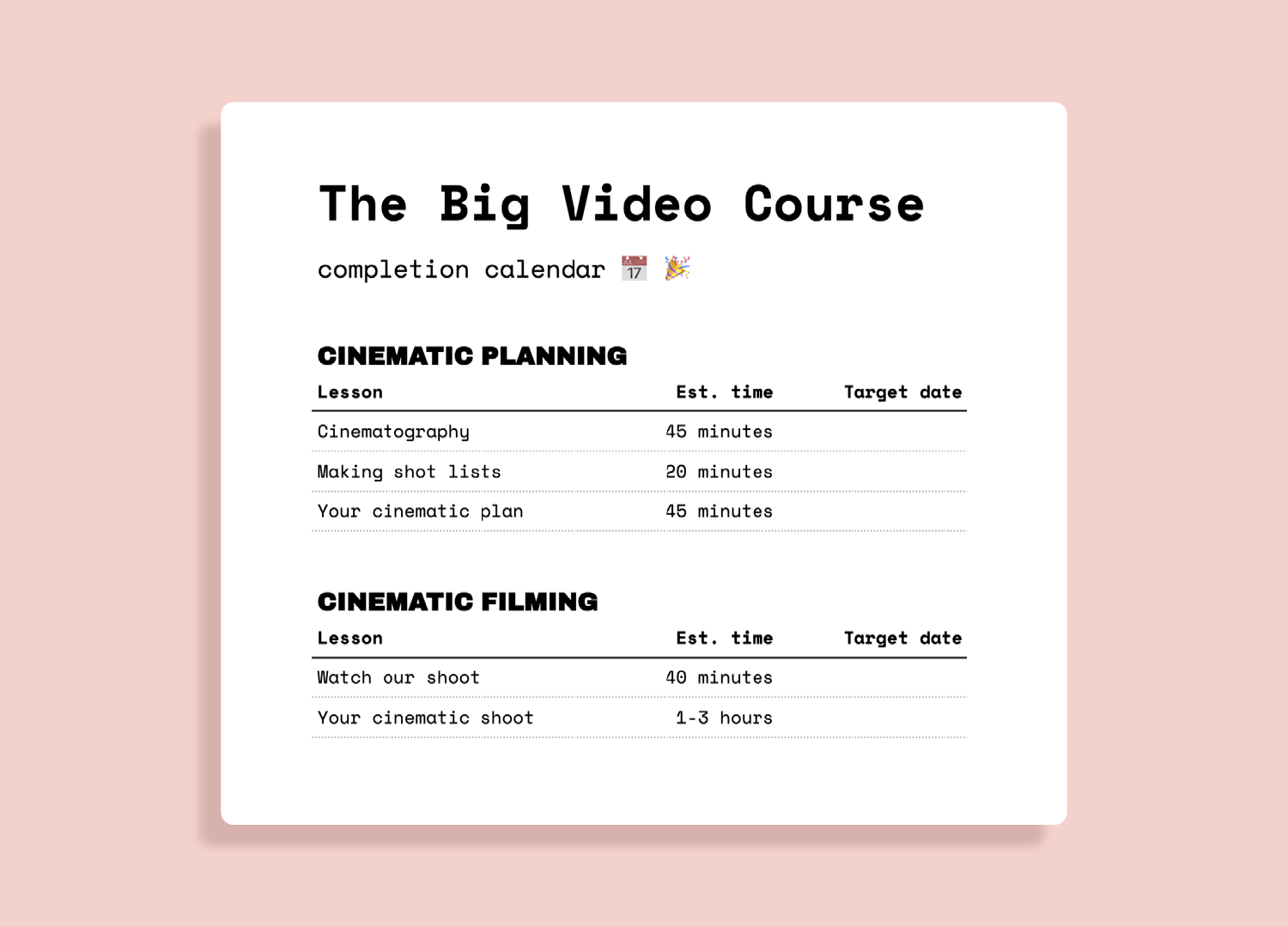
You're more likely to succeed when you have a plan! That's why we made this optional planner in Google Sheets to help you stay on track.
It estimates how much total time each section might take, but keep in mind these are best guesses. There's no right amount of time to spend on creative work, so if you find yourself needing longer, that’s perfectly fine.
How to use
➊ Open the calendar and then go to File → Make a copy to save the spreadsheet in your Google Drive where you can customize it.
➋ Fill in target dates to figure out you when you can finish the course.
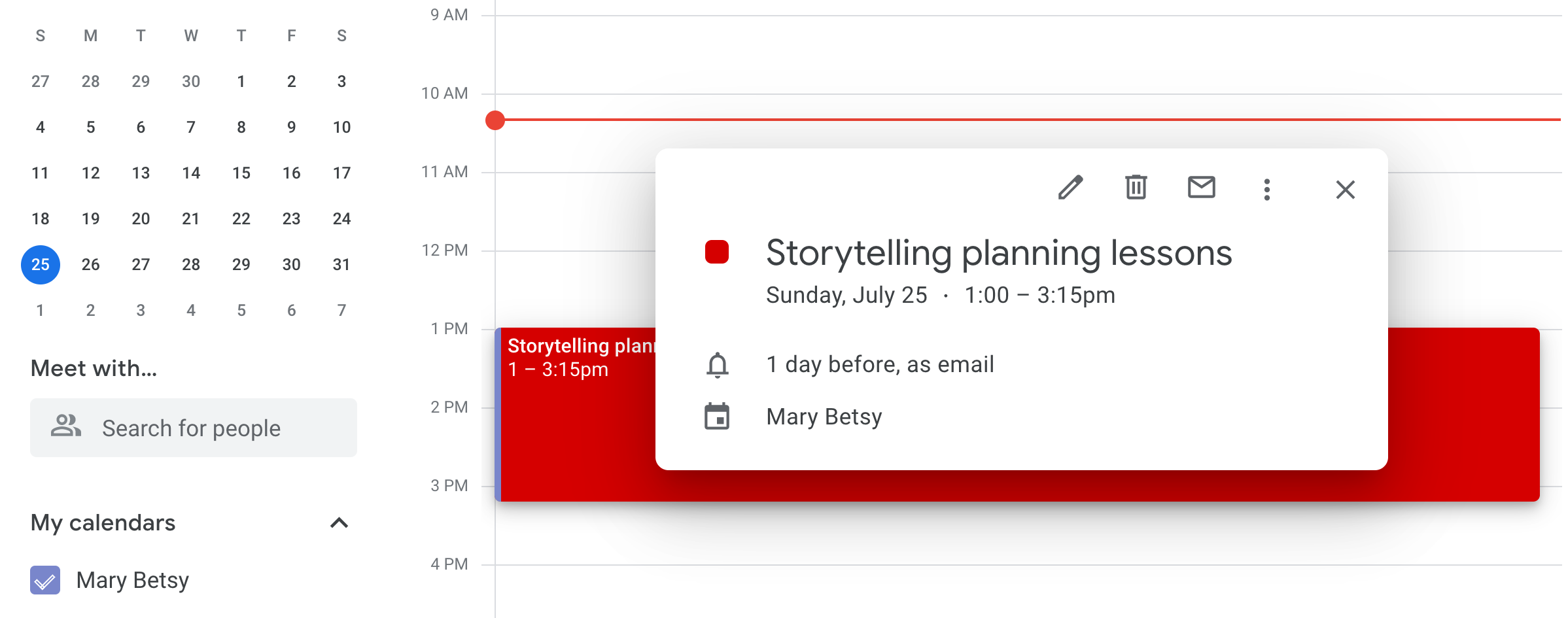
➌ Schedule dedicated blocks on the calendar you use most and prioritize them like appointments you'd keep with anyone else.
➍ If you fall off track, don't beat yourself up! Life's messy and unpredictable, so if you need to readjust your timeline, that's totally par for the course. ⛳