In this lesson
Give your video the right vibes with Premiere's powerful color tools! Some of them might seem scary at first, but once I show you how to work them, you'll be blown away by what they can do. 🎨🤯
Basic skills
➀ Lesson overview
➁ Basic correction
➂ Creative looks
Advanced color
➃ Curves
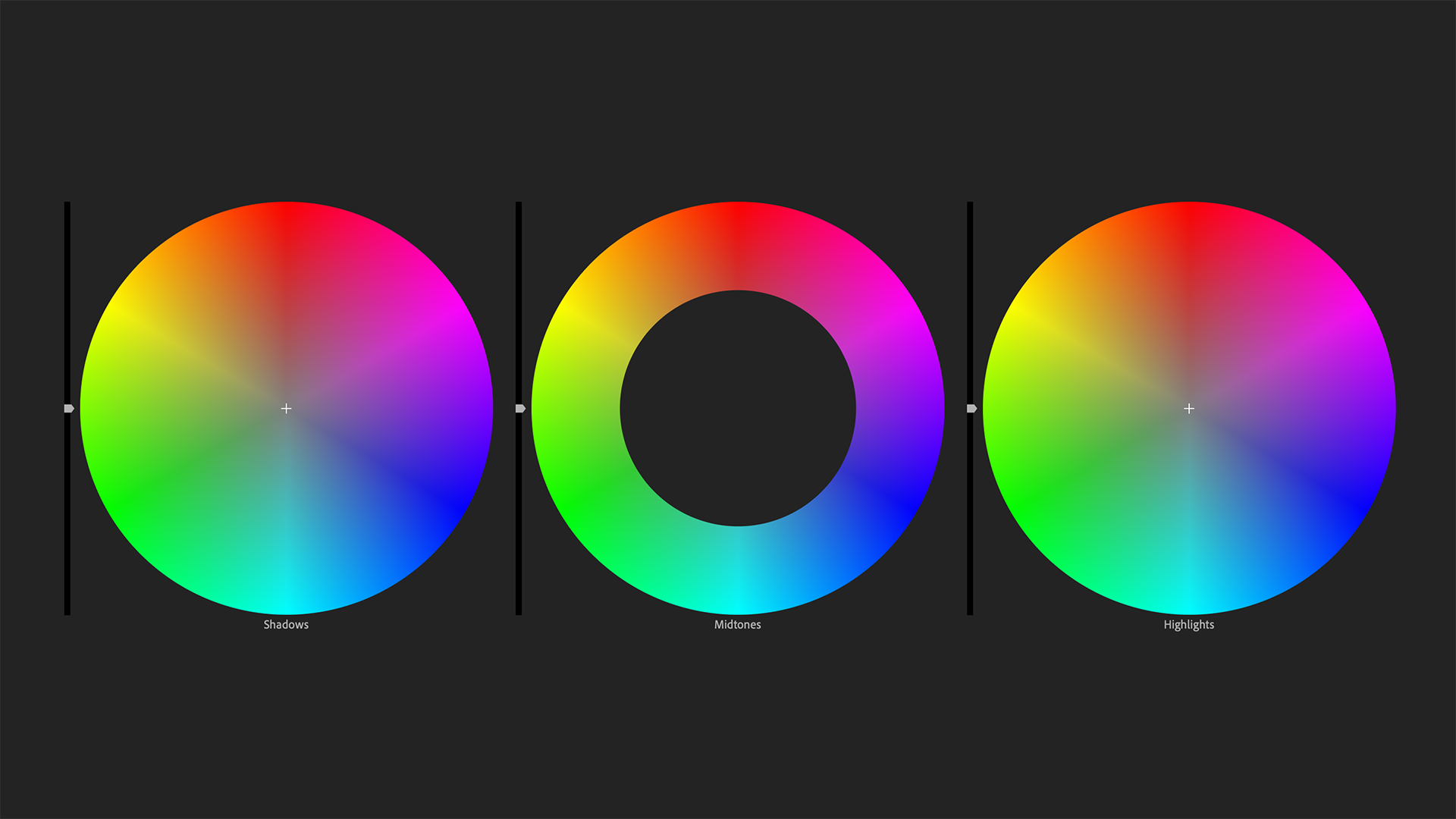
➄ Color wheels & match
➅ HSL secondary
➆ Vignette
Final advice
Part 01
Lesson overview
Get a big-picture intro to Premiere's color panels!
Part 02
Basic correction
Fix problems and make quick enhancements using familiar settings.
Part 03
Creative looks
Apply stylized looks or filters to your shots and give viewers the feels.
Part 04
Curves
Have total control and make subtle or surreal color adjustments.
Bookmarks
Intro
00:00 → About curves
RGB curves
00:48 → Luma curve
04:11 → Luma waveform
10:13 → RGB curves
11:36 → RGB parade
Hue saturation curves
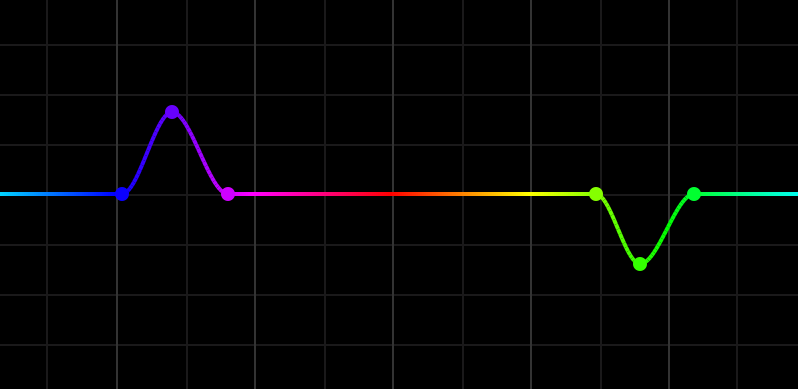
14:16 → Hue vs. saturation
16:06 → Hue vs. hue
17:16 → Hue vs. luma
17:51 → Luma vs. saturation
18:44 → Saturation vs. saturation
Test yourself
19:56 → Practice tasks
Part 05
Color Wheels & Match
Quickly compare shots and automatically match the color between them.
Part 06
HSL Secondary
Make isolated color adjustments to specific areas of your shot like skintones.
Part 07
Vignette
Darken or lighten the edges of your shot to make your subject pop.
Part 08
Efficiency tips
Save settings, import presets and apply adjustments across your timeline.
Part 09
Recap + assignment
Review everything you just learned and get your assignment!
Assignment
Adjust the color for your storytelling video and make any last tweaks, because next up you'll be publishing your final video!
Resources
Credit
Music in part by David Cutter at @dcuttermusic and davidcuttermusic.com.