The
Graphics
Course
for Adobe Premiere Pro
Master effects, titles, animations & transitions.
If your editing skills can't keep up with your brilliant video ideas, then hello, friend. With this course you'll be able to explain complex topics using animations, make your videos look polished with titles and graphics, and bring your sense of humor to life on screen using effects.
If your editing skills can't keep up with your brilliant video ideas, then hello, friend.
With this course you'll be able to explain complex topics using animations, make your videos look polished with titles and graphics, and bring your sense of humor to life on screen using effects.
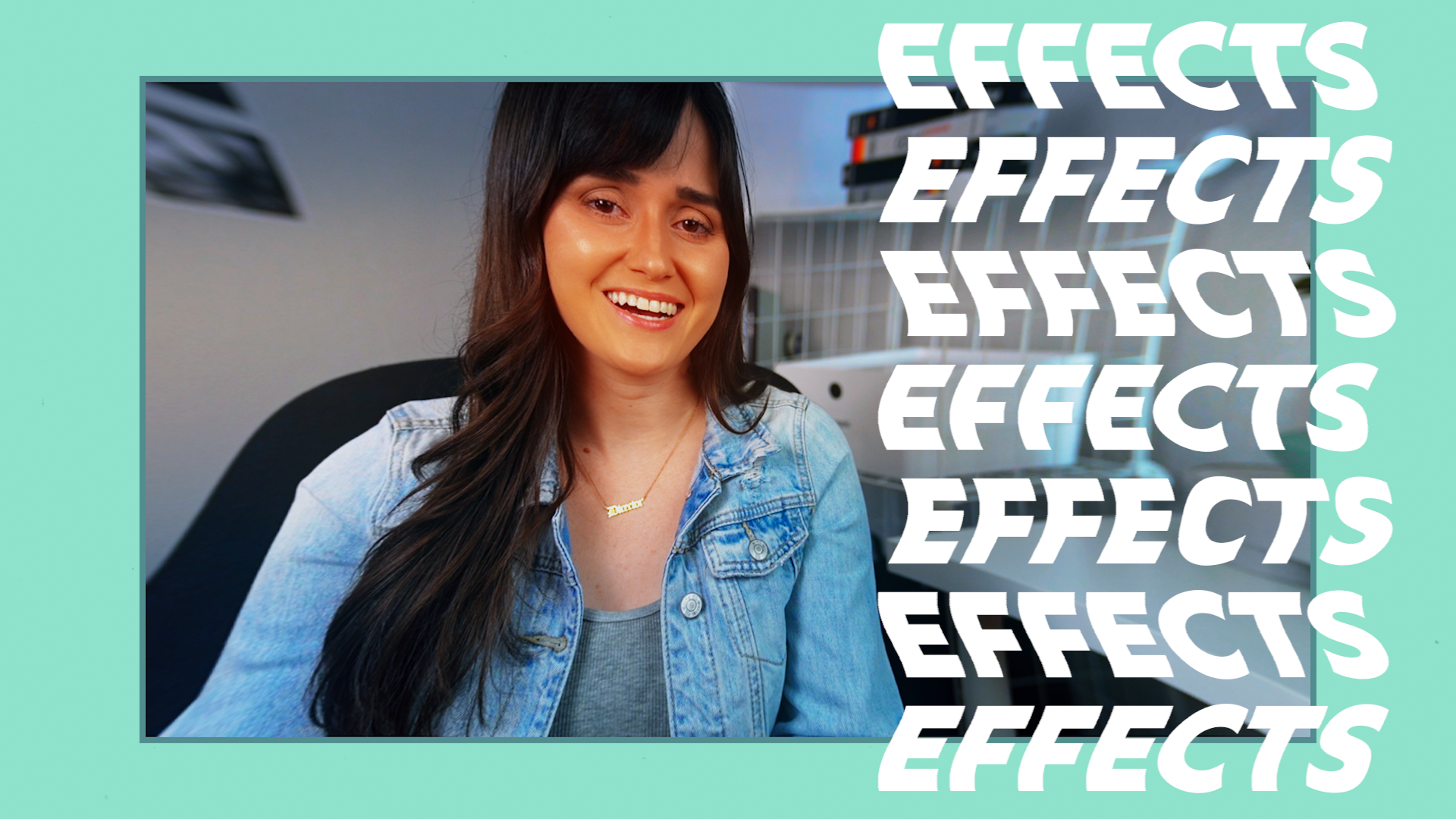
Learn to crop clips, remove backgrounds, create imaginative filters and more! Plus, use effect presets to massively speed up your workflow.
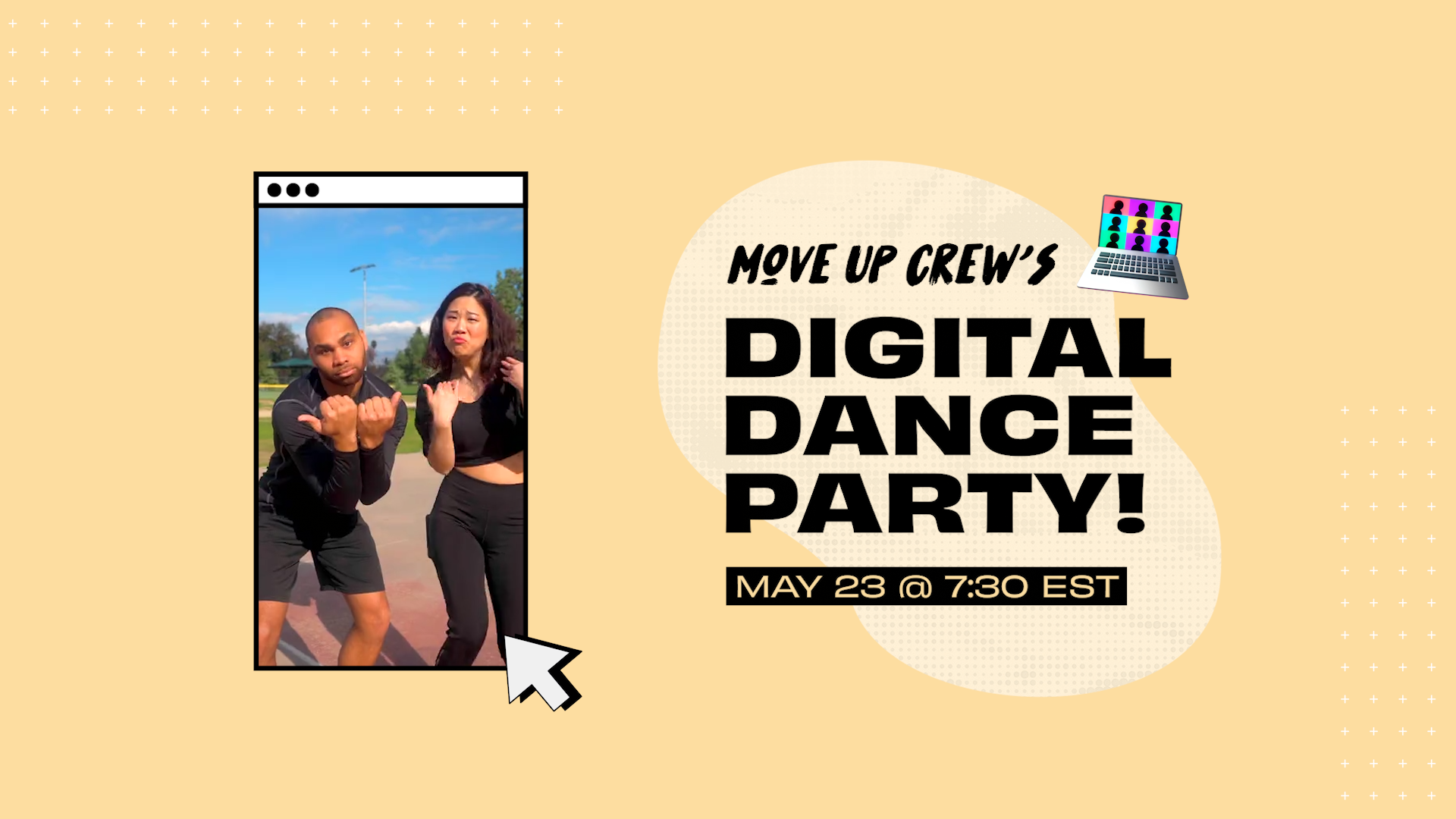
Add text, draw shapes, import graphics and save custom styles. Then easily edit expert-made templates with impressive motion graphics.
Make elements move, rotate, change scale, glide, bounce — whatever you can dream up. You’ll be shook by how much you can do inside Premiere Pro.
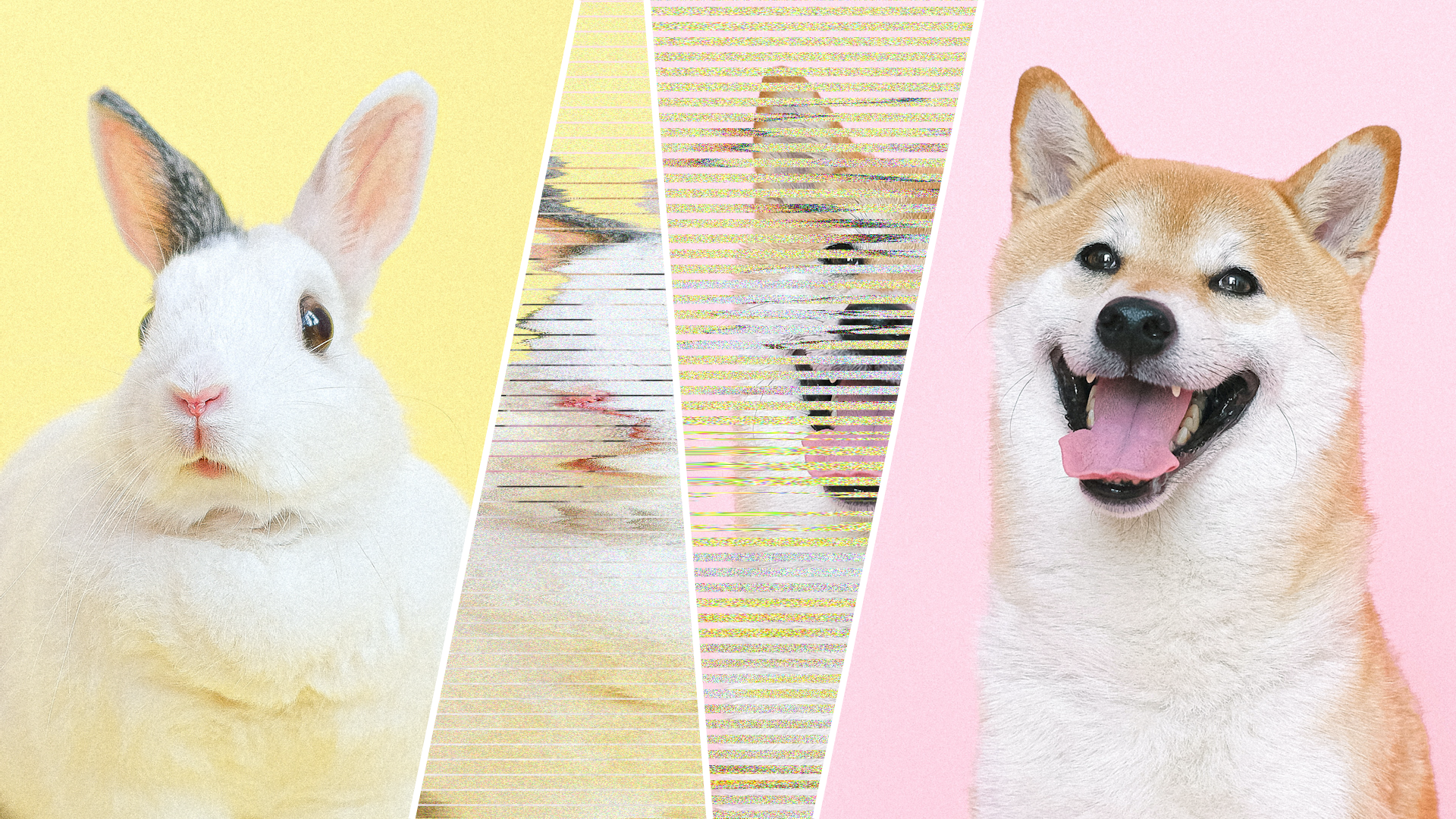
Learn to create custom transitions or import ready-made ones you find online, and give your scene changes all the right feels.


We tried never to talk longer than 10 seconds without showing a helpful demo, graphic or animation — all to make things click and keep you watching.

Sure, we could have rambled more, but instead we ruthlessly scripted and revised to pack in value and cut anything that wastes your time.

Your brain needs some comic relief when it's learning new things! That's why we slid in just the right amount of GIFs, memes and sarcastic asides.

We tried never to talk more than 10 seconds without showing a demo, graphic or animation — all to make things click and keep you watching.
Sure, we could have rambled more, but instead we ruthlessly scripted and revised to pack in value and cut anything that wastes your time.
Your brain needs some comic relief when it's learning new things! That's why we slid in just the right amount of GIFs, memes and sarcastic asides.


Watch an excerpt from the course, and see how Mary makes things crystal-clear and fun to watch.
🎭 Learn how to conceal a subject's identity using this #PremierePro masking effect with @gomarybetsy: https://t.co/2F6ysDSS7s pic.twitter.com/tUEhh7RHbZ
— Adobe Video & Motion (@AdobeVideo) October 21, 2021
Watch an excerpt from the course, and see how Mary makes things crystal-clear and fun to watch.
🎭 Learn how to conceal a subject's identity using this #PremierePro masking effect with @gomarybetsy: https://t.co/2F6ysDSS7s pic.twitter.com/tUEhh7RHbZ
— Adobe Video & Motion (@AdobeVideo) October 21, 2021
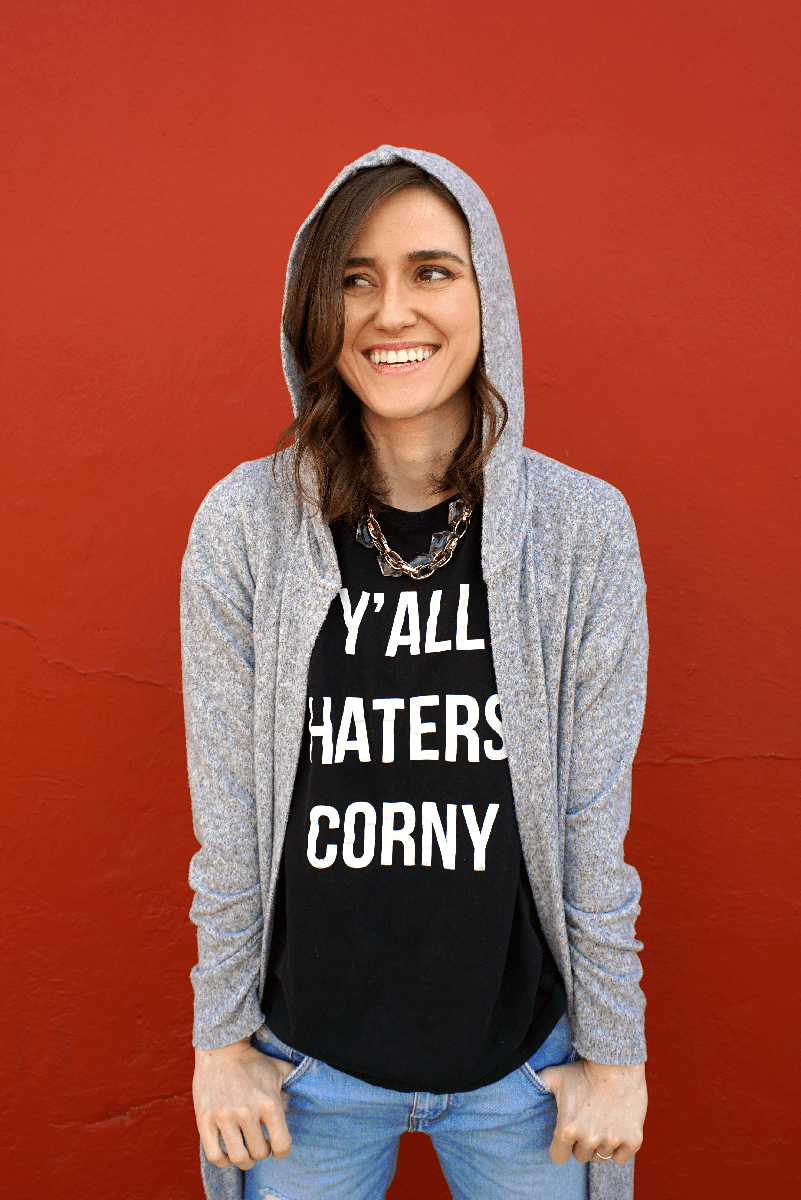
Hey, y'all! I'm Mary. I'm a creative director who especially loves video.
Right now I make YouTube documentaries investigating shady money-makers, but in the past I've run a wedding-video business called Thick & Thin Films and a marketing agency called Forward Films with my husband Myles.

On a personal note, I'm highly excitable by mockumentaries, rescue animals and Beyoncé.
Clear, cogent, intense — and funny. Mary, you're like that teacher at school you never forget.
After watching 10 million tutorials, hands down you're the smoothest and did the best job explaining. 👍👍👍
You should know the fundamentals of video editing in Adobe Premiere Pro before taking this course.
If you need help with that, then check out The Video Editing Course or The Big Video Course, both of which teach this software from the ground up and include the lessons in this graphics course.
This is the powerful video-editing software I teach you! You can get a 7-day free trial, a monthly plan, or annual plans if you're ready for a longer commitment.
Adobe also offers generous student discounts if you're enrolled at a traditional institution. (Sorry! This course is outside of the box.)
You’ll need a computer (obvi), but just make sure your device meets Premiere Pro’s requirements. Adobe also has a video on how to check your computer specs if you’re not sure.
Nope! Everything’s done in Premiere Pro.
I’ll give you a full refund within 30 days of enrollment because I want you to be satisfied. Just email hi@marybetsy.com and let me know why this course didn’t meet your expectations.
Email me at hi@marybetsy.com and I’d be happy to help.