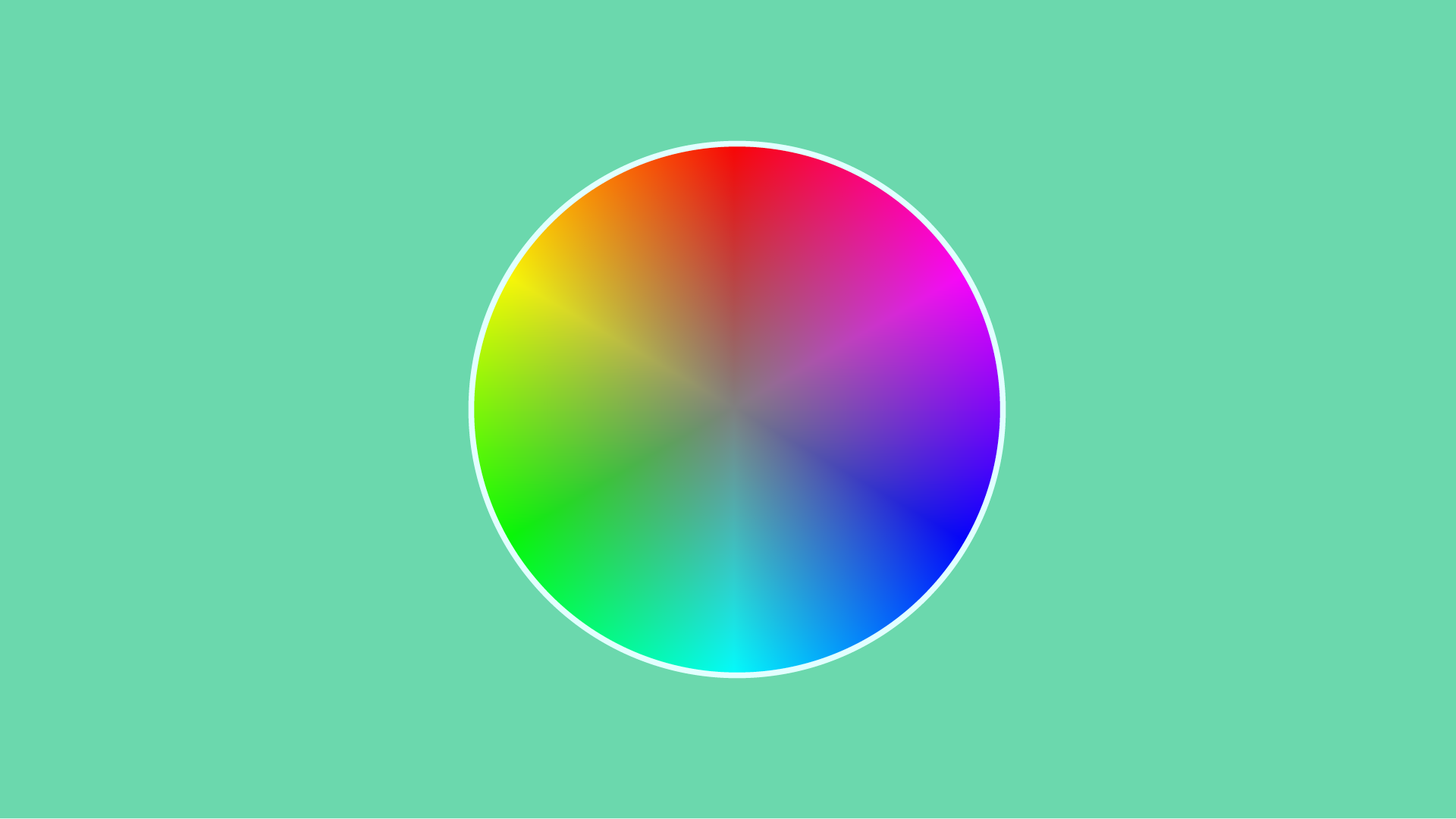
The
Color
Lesson
Master color correction & grading in Premiere Pro.
If you've poked around Premiere Pro's color tools, but gotten confused, then welcome! This course will skill you up ASAP using super-clear explanations, helpful demos and a sprinkling of comic relief.
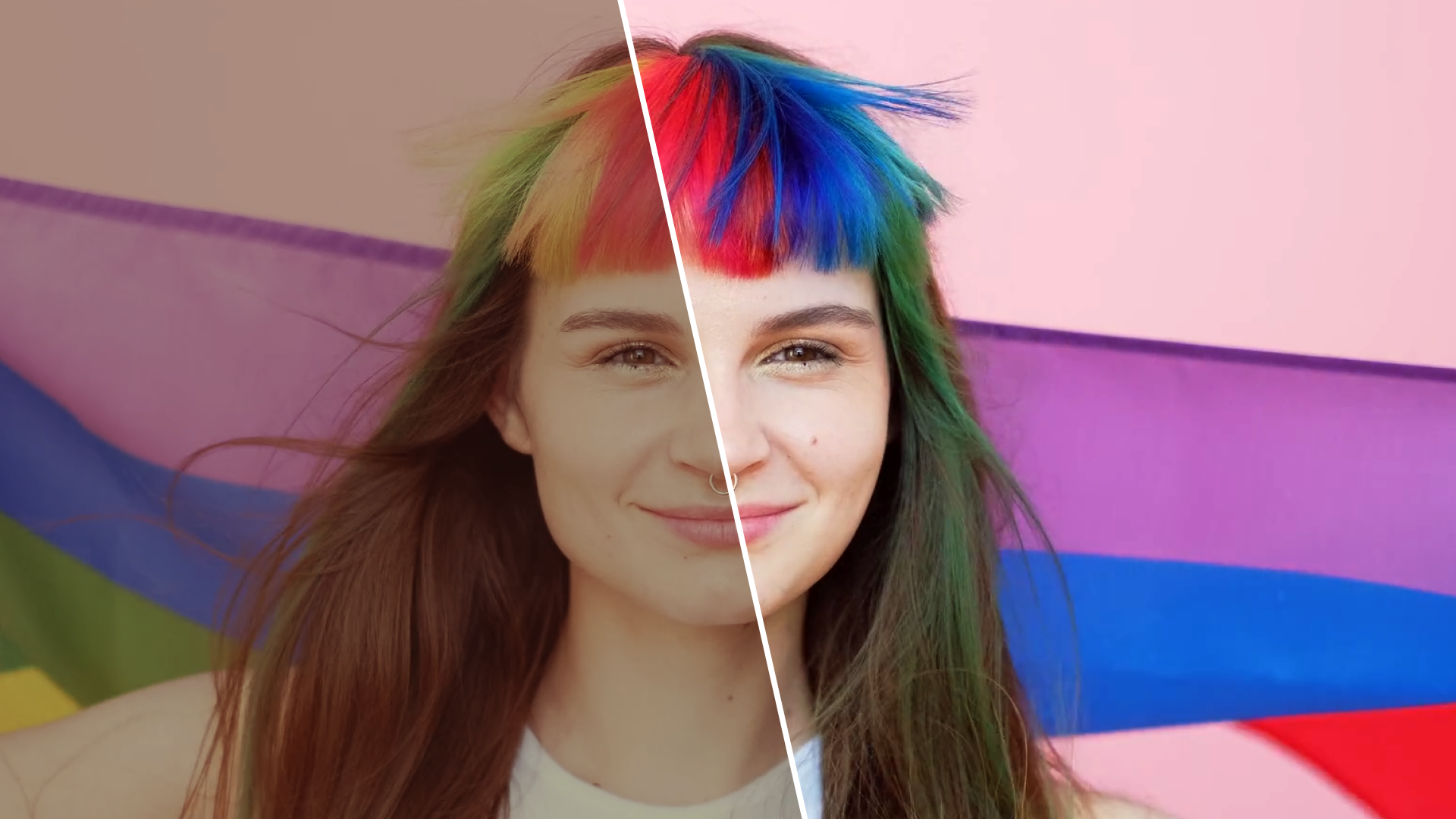
Fix problems with shots, apply auto correction and make fast enhancements.
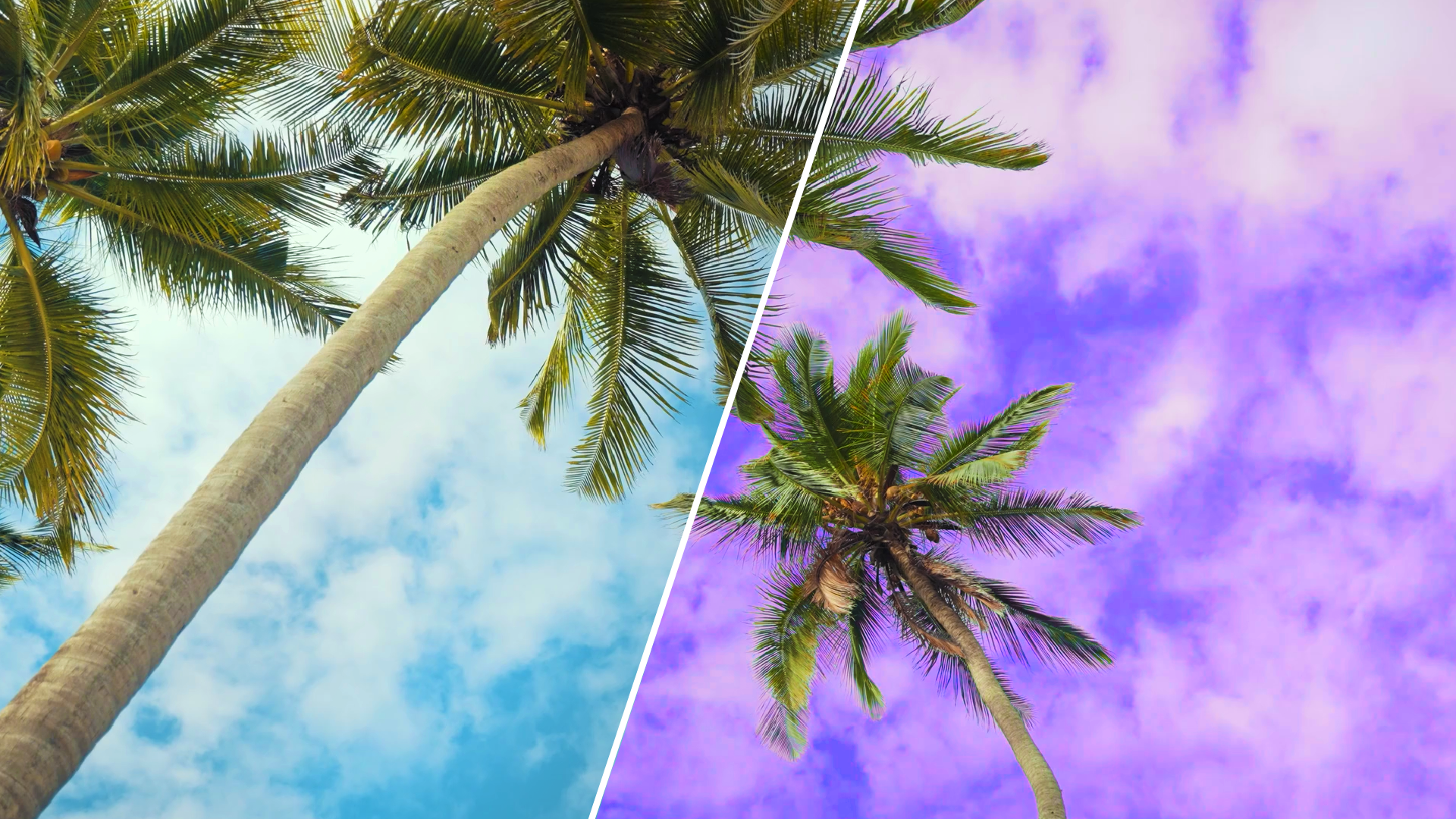
Add stylized filters to your clips and save favorite recipes for re-use.

Quickly compare shots and automatically match the color settings between them.

Beautify faces by making isolated edits to specific areas like skin tones.
Watch an excerpt from the course, and see how Mary makes things crystal-clear.
Watch an excerpt from the course, and see how Mary makes things crystal-clear.

Learn workflow hacks that'll save you hours of screen time and stress.
Stop bouncing between YouTube tutorials and instead watch thought-out lessons that will make things click faster.
Quickly refresh your memory with organized reviews that recap steps.
Clear, cogent, intense — and funny. Mary, you're like that teacher at school you never forget.
After watching 10 million tutorials, hands down you're the smoothest and did the best job explaining. 👍👍👍
You should know the fundamentals of video editing in Adobe Premiere Pro before taking this course. If you need help with that, check out The Video Editing Course or The Big Video Course, both of which teach this software from the ground up, including the skills in this color course.
This is the powerful video-editing software I teach you! You can get a 7-day free trial, a monthly plan, or annual plans if you're ready for a longer commitment.
Adobe also offers generous student discounts if you're enrolled at a traditional institution. (Sorry! This course is outside of the box.)
You’ll need a computer (obvi), but just make sure your device meets Premiere Pro’s requirements. Adobe also has a video on how to check your computer specs if you’re not sure.
I’ll give you a full refund within 30 days of enrollment because I want you to be satisfied. Just email hi@marybetsy.com and let me know why this course didn’t meet your expectations.
Email me at hi@marybetsy.com and I’d be happy to help.